
Block setting: Unique ID
With this option, you assign a unique ID to the section/block, which can then be used for specific actions.
Availability
"Unique ID" is currently only available for the "Header Builder" section and the "Menu Button" block.
Use Case
In the "Header Builder" section and the "Menu Button" block, you will find the "Unique ID" field under Advanced Settings. This ID must be identical for both the menu and the button that triggers it.
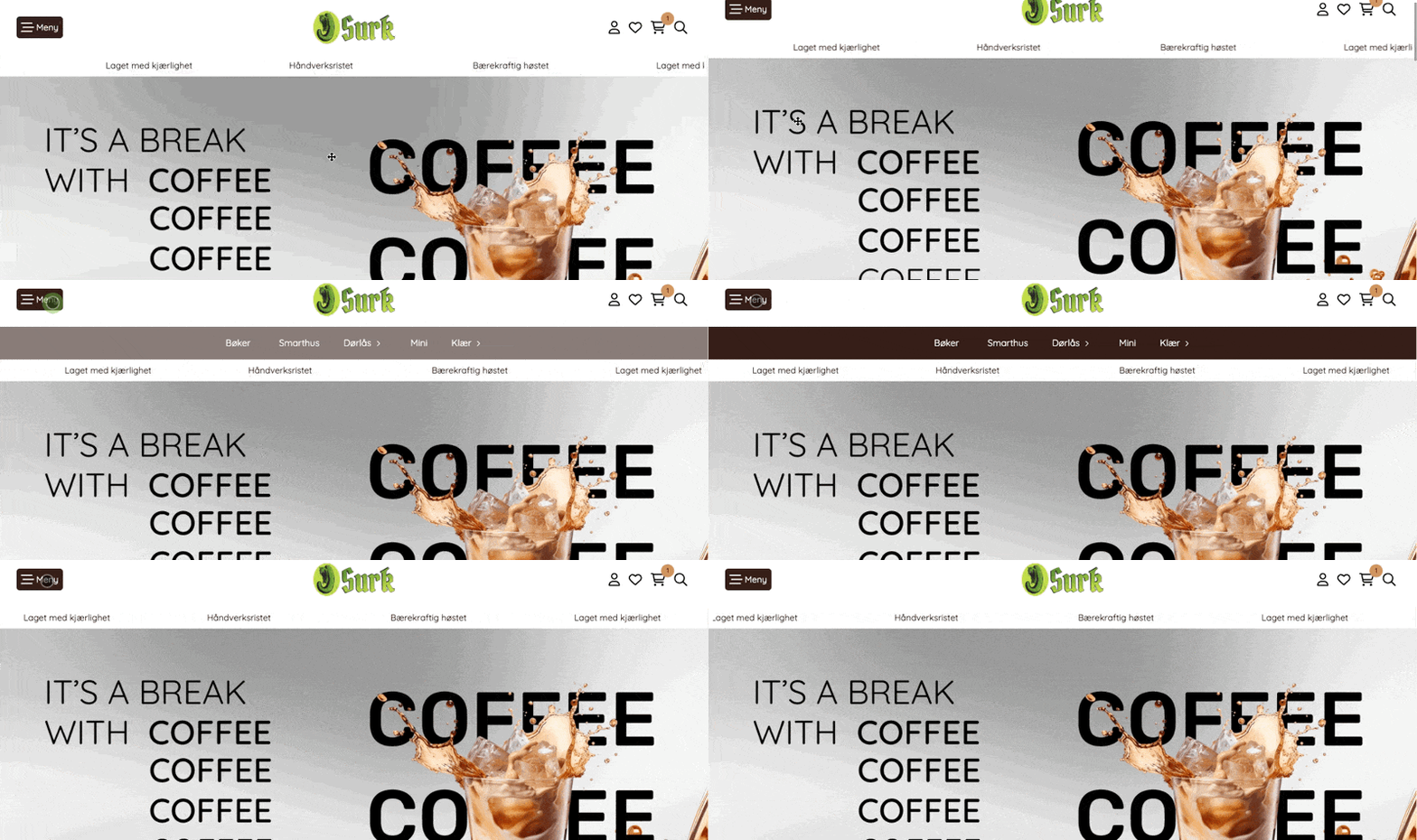
Adding a unique ID
På seksjonen "Bygging av toppområde" og blokken "Meny-knapp" har man under Avanserte innstillinger feltet "Unik ID". Denne ID-en må være lik på menyen og knappen som skal åpne menyen.
How to do it:
Menu button
- Add and open the settings for the "Menu Button" block.
- Open advanced settings.
- Add a unique ID.
- Turn on "Toggle mega menu sections."
Remember, or copy, the ID. This ID must now be added to the section you want to appear when clicked.
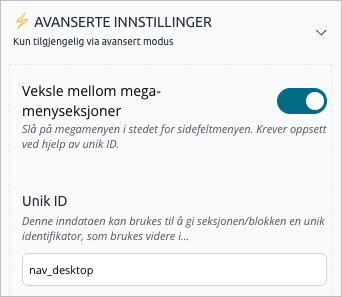
Top Menu Section
- Find the section you want to open on click
- Open the section settings.
- Open advanced settings.
- Add the same unique ID that you entered for the menu button.
Now, when you visit your online store, you will see that the section with the ID is hidden until you click the menu button.
The section will always be visible in the design builder even if it has a unique ID; this is to make it easier to change the appearance and content. Test the setup in preview mode.